Overview
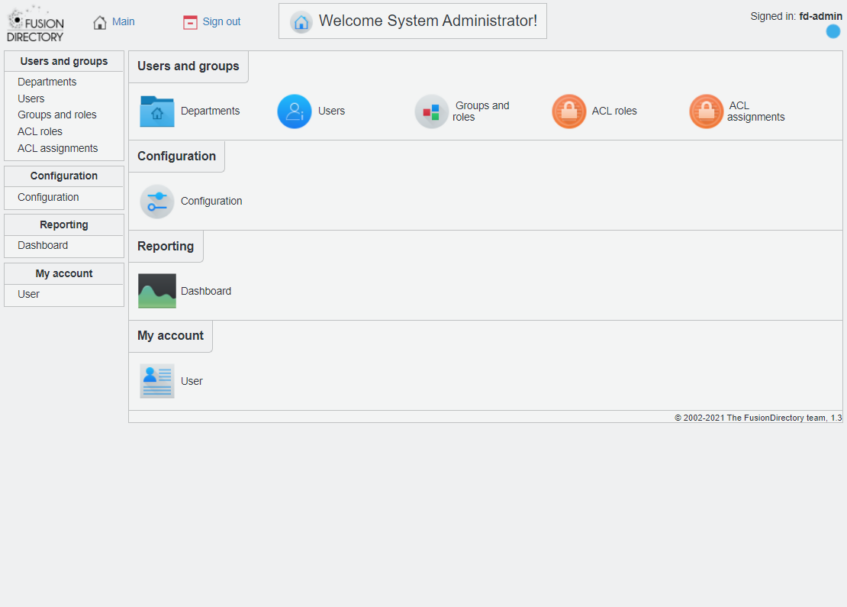
クリーンインストールした Debian Stretch (9.13) に OpenLDAP と FusionDirectory をインストールする。
Reference
Environment
# cat /etc/os-release
PRETTY_NAME="Debian GNU/Linux 9 (stretch)"
NAME="Debian GNU/Linux"
VERSION_ID="9"
VERSION="9 (stretch)"
VERSION_CODENAME=stretch
ID=debian
HOME_URL="https://www.debian.org/"
SUPPORT_URL="https://www.debian.org/support"
BUG_REPORT_URL="https://bugs.debian.org/"
# uname -a
Linux fd 4.9.0-16-amd64 #1 SMP Debian 4.9.272-2 (2021-07-19) x86_64 GNU/Linux
#
© 2002-2021 The FusionDirectory team, 1.3O
OpenLDAP
$ su -
# apt -y install slapd ldap-utils
+--------------------------| Configuring slapd |-------------------------+
 | Please enter the password for the admin entry in your LDAP directory.  |
 |                                                                        |
 | Administrator password:                                                |
 |                                                                        |
 | ********______________________________________________________________ |
 |                                                                        |
 |                                                                    |
 |                                                                        |
 +------------------------------------------------------------------------+
#
FusionDirectory
gpg key
# gpg --keyserver keys.openpgp.org --recv-key 0xFE0FEAE5AC483A86
# gpg --export -a "FusionDirectory Packages Signing Key <contact@fusiondirectory.org>" > FD-archive-key
# apt-key add FD-archive-key
Repository
# vim /etc/apt/sources.list.d/fusiondirectory-release.list
#fusiondirectory repository
deb https://public.fusiondirectory.org/stretch-fusiondirectory-release/ stretch main
#
# vim /etc/apt/sources.list.d/schema2ldif-release.list
#latest version of schema2ldif
deb https://public.fusiondirectory.org/stretch-schema2ldif-release/ stretch main
#
FusionDirectory
# apt install apt-transport-https
# apt update
# apt-get install fusiondirectory
# apt-get install fusiondirectory-schema
FusionDirectory Schema Setup
# fusiondirectory-insert-schema
Web Access
http://[ip address]/futiondirectory
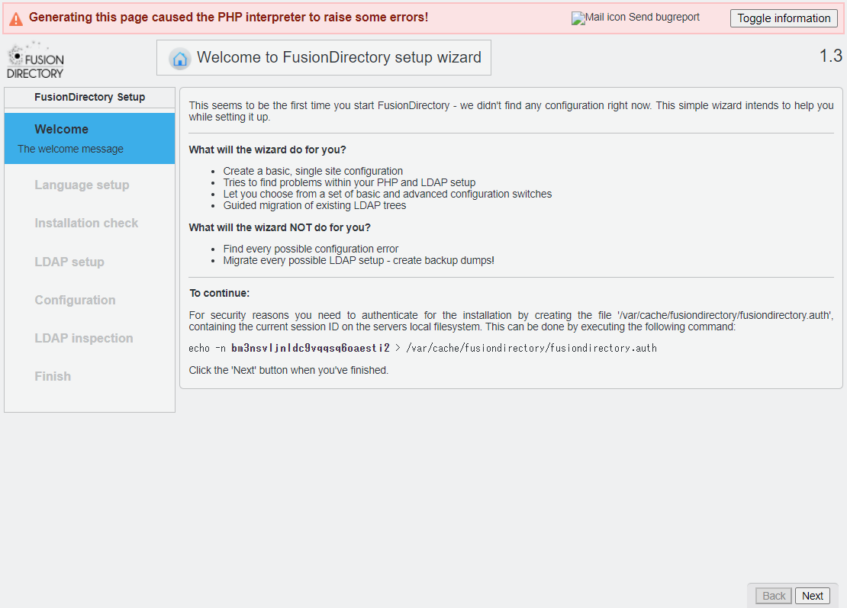
locale check and modify
OS の Locale と PHP の Locale のミスマッチを修正
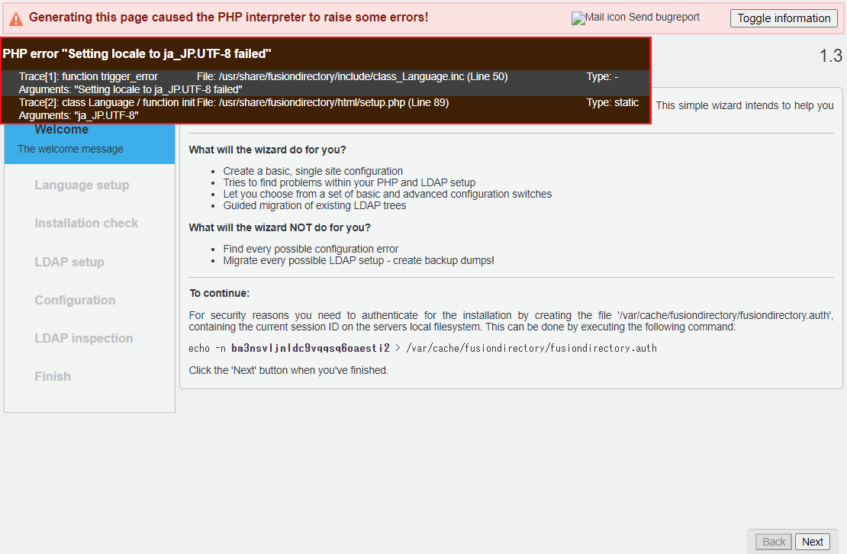
PHP error "Setting locale to ja_JP.UTF-8 failed"
Trace[1]: function trigger_error	File: /usr/share/fusiondirectory/include/class_Language.inc (Line 50)	Type: -
Arguments: "Setting locale to ja_JP.UTF-8 failed"
Trace[2]: class Language / function init	File: /usr/share/fusiondirectory/html/setup.php (Line 89)	Type: static
Arguments: "ja_JP.UTF-8"
OS の環境を確認
# env | grep LANG
LANG=en_US.UTF-8
LANGUAGE=en_US:en
#
# locale
LANG=en_US.UTF-8
LANGUAGE=en_US:en
LC_CTYPE="en_US.UTF-8"
LC_NUMERIC="en_US.UTF-8"
LC_TIME="en_US.UTF-8"
LC_COLLATE="en_US.UTF-8"
LC_MONETARY="en_US.UTF-8"
LC_MESSAGES="en_US.UTF-8"
LC_PAPER="en_US.UTF-8"
LC_NAME="en_US.UTF-8"
LC_ADDRESS="en_US.UTF-8"
LC_TELEPHONE="en_US.UTF-8"
LC_MEASUREMENT="en_US.UTF-8"
LC_IDENTIFICATION="en_US.UTF-8"
LC_ALL=
#
# timedatectl
      Local time: Sat 2021-10-09 18:04:42 JST
  Universal time: Sat 2021-10-09 09:04:42 UTC
        RTC time: Sat 2021-10-09 09:04:42
       Time zone: Asia/Tokyo (JST, +0900)
 Network time on: yes
NTP synchronized: yes
 RTC in local TZ: no
#
OS の default Locale を ja_JP.UTF-8 へ変更
# dpkg-reconfigure locales
Generating locales (this might take a while)...
  en_US.UTF-8... done
  ja_JP.UTF-8... done
Generation complete.
*** update-locale: Warning: LANGUAGE ("en_US:en") is not compatible with LANG (ja_JP.UTF-8). Disabling it.
#
Web reload
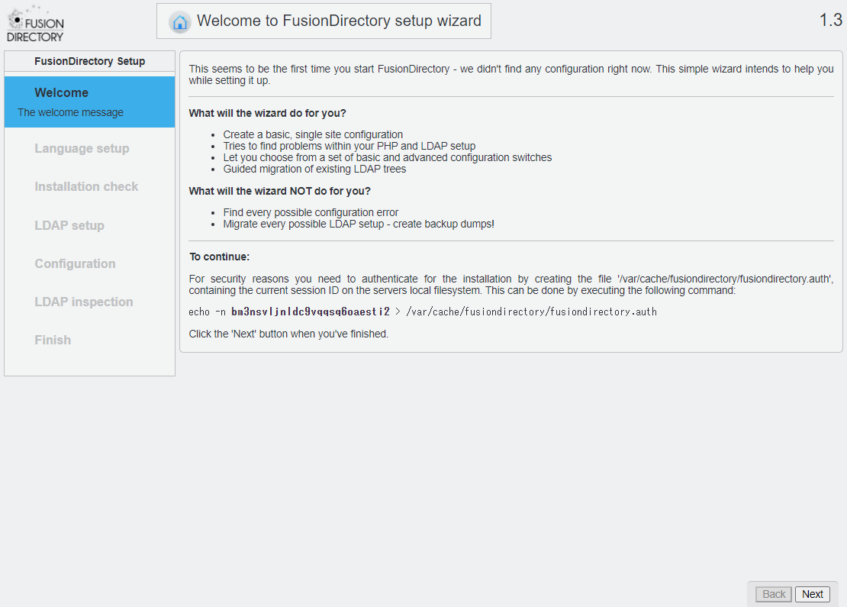
FusionDirectory Web Setup
# echo -n bm3nsvljnldc9vqqsq6oaesti2 > /var/cache/fusiondirectory/fusiondirectory.auth
[Next] を click
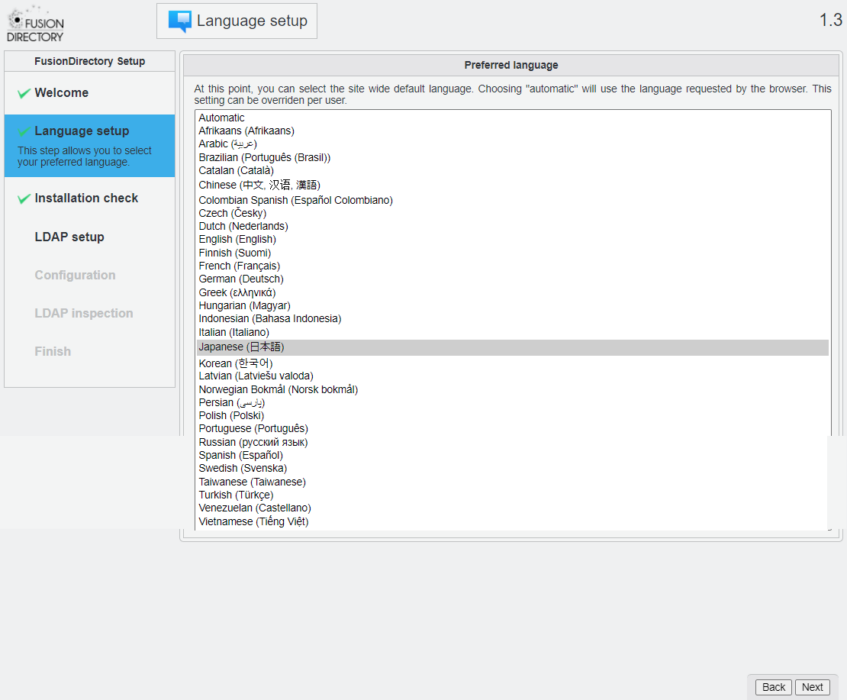
[Japanese(日本語)]を選択し[Next] を click
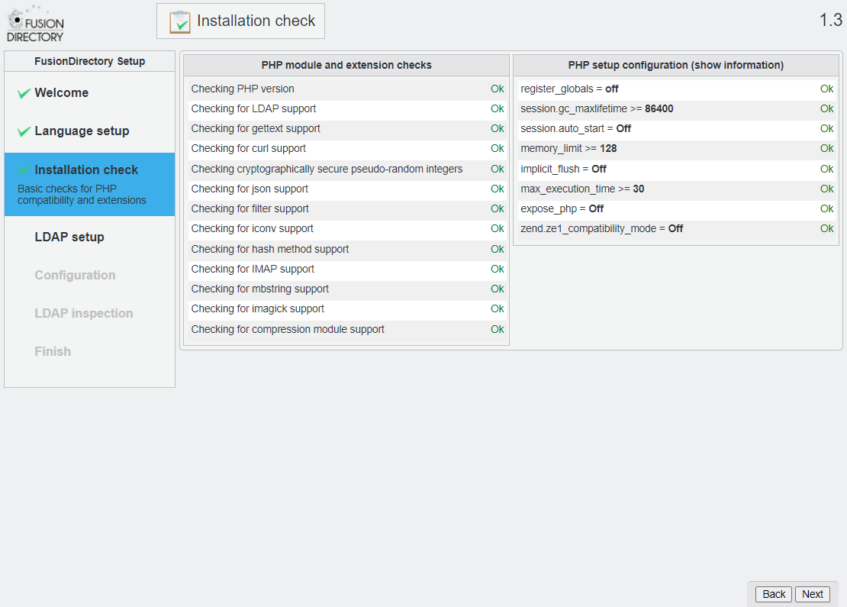
[Next] を click
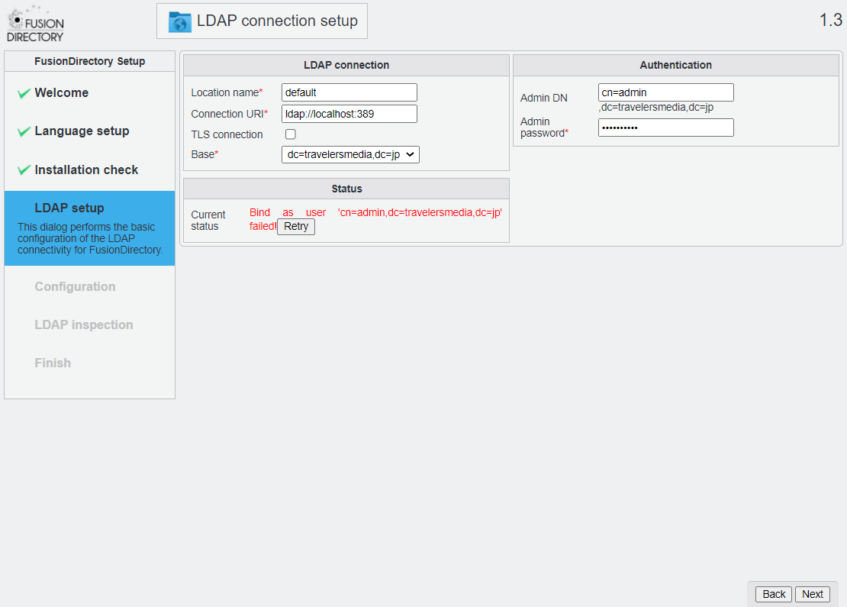
LDAP admin の password を入力し[Reflesh]をclick
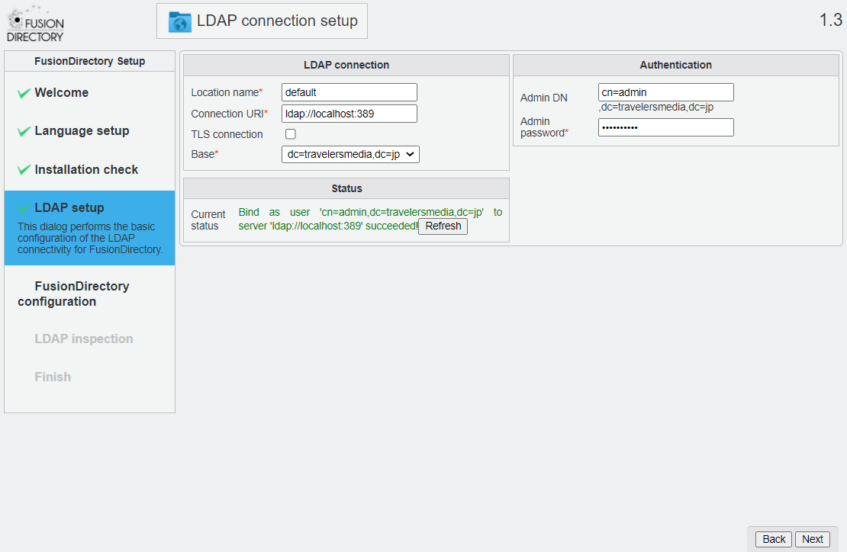
[Next] を click
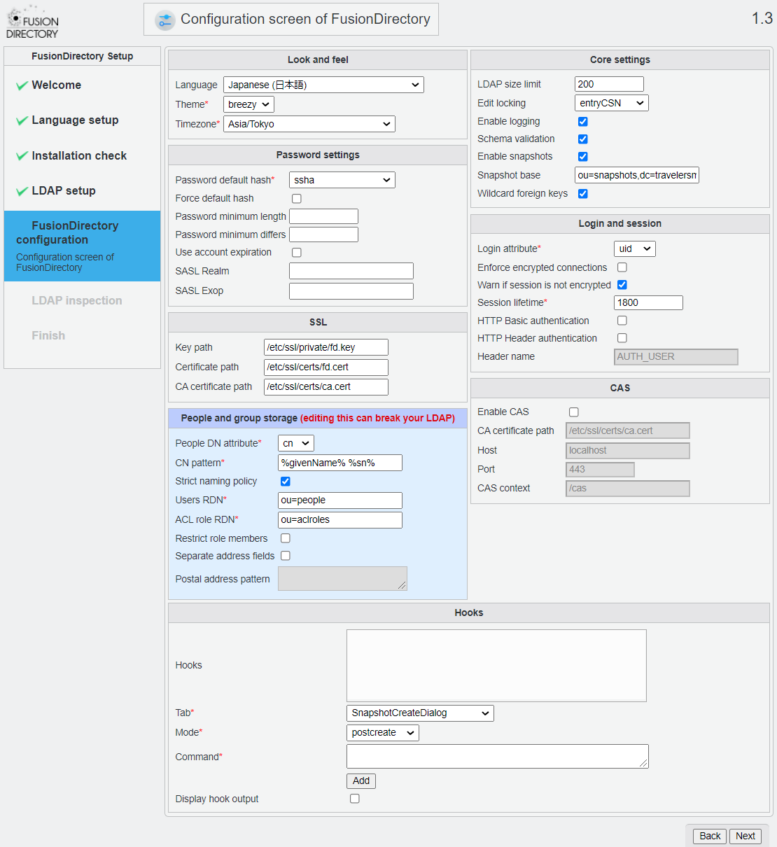
Timezone [Asia/Tokyo]を選択し[Next] を click
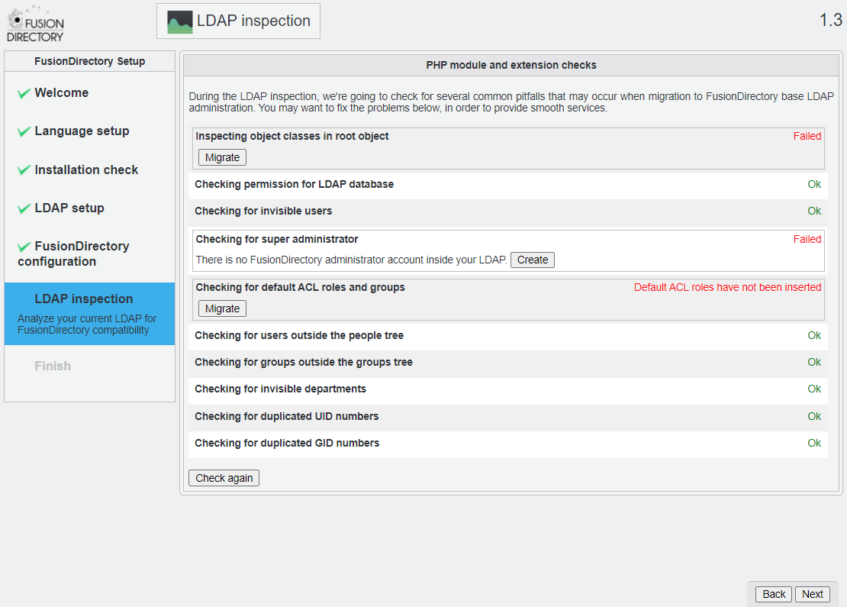
Inspecting object classes in root object の [Migrate]をclick
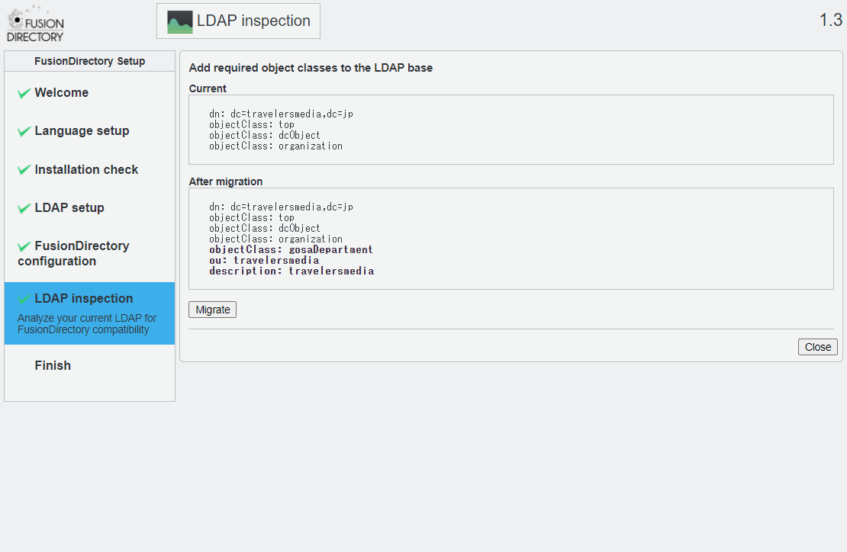
[Migrate]をclick
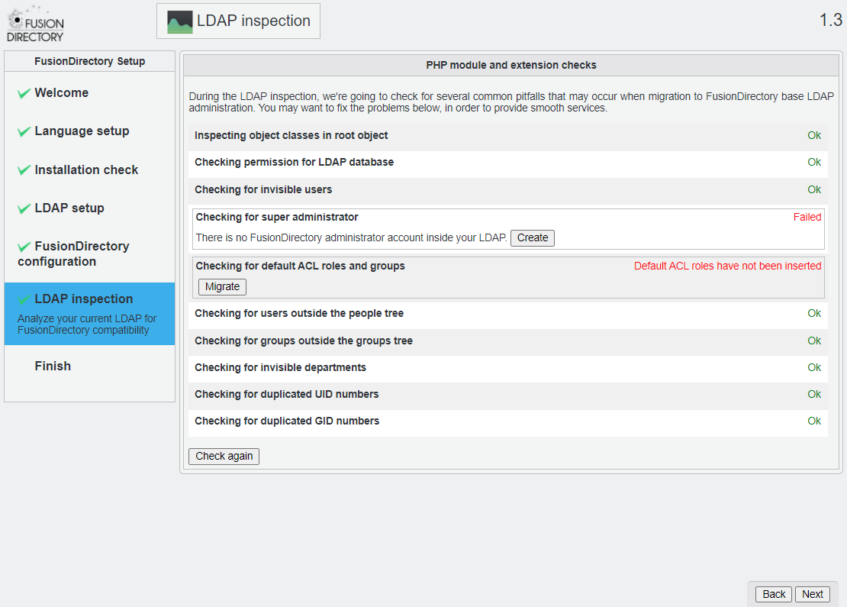
Checking for super administrator の [Create] を click
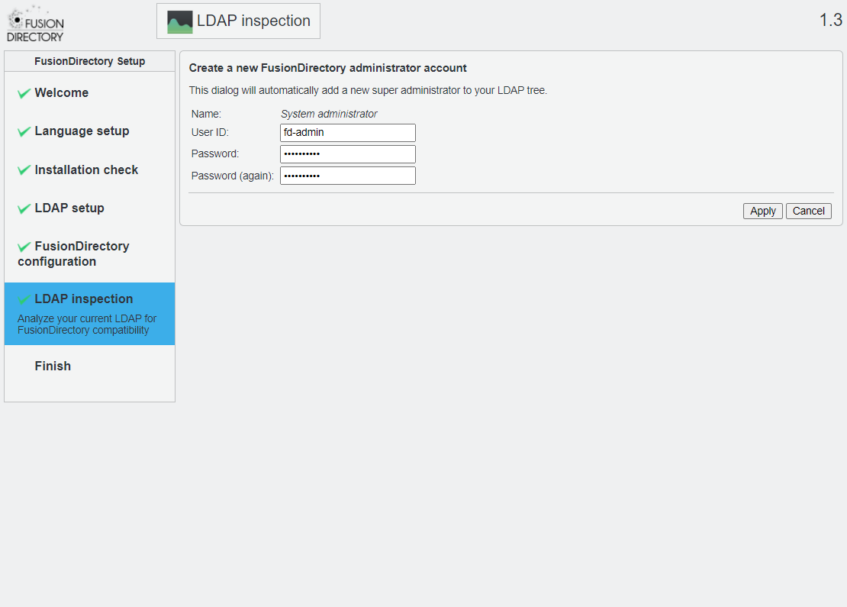
User ID : fd-admin の Password を入力し [Apply] を click
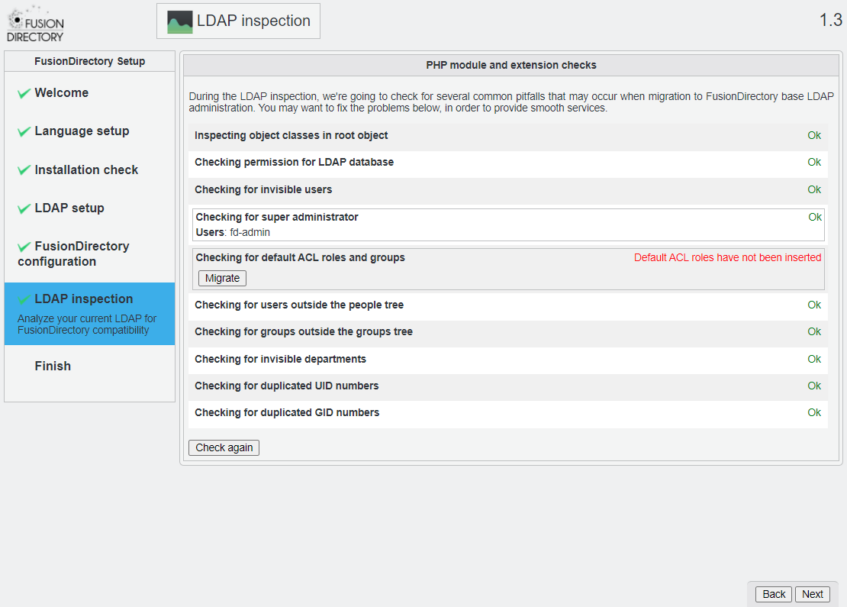
Checking for default ACL roles and groups の [Migrate] を click
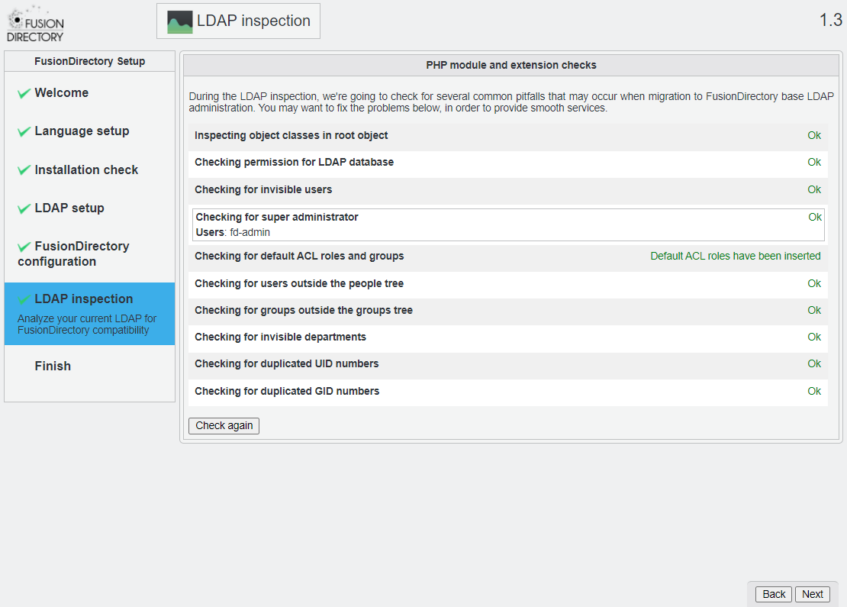
[Next] を click
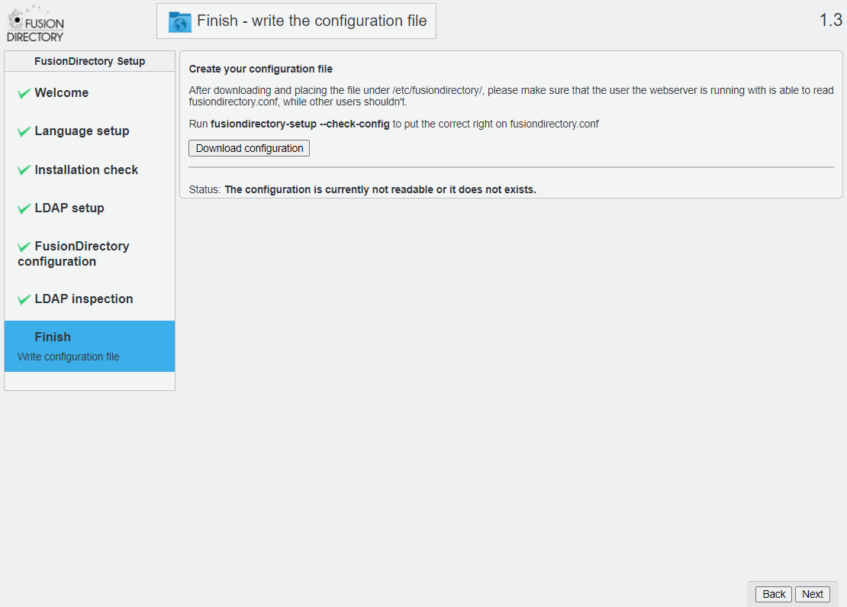
[Download Configuration] を click し Download した “fusiondirectory.conf” の内容を/etc/fusiondirectoryに保存
# vim /etc/fusiondirectory/fusiondirectory.conf
<?xml version="1.0"?>
<conf>
  <!-- Main section **********************************************************
       The main section defines global settings, which might be overridden by
       each location definition inside.

       For more information about the configuration parameters, take a look at
       the FusionDirectory.conf(5) manual page.
  -->
  <main default="default"
        logging="TRUE"
        displayErrors="FALSE"
        forceSSL="FALSE"
        templateCompileDirectory="/var/spool/fusiondirectory/"
        debugLevel="0"
    >

    <!-- Location definition -->
    <location name="default"
    >
        <referral URI="ldap://localhost:389" base="dc=travelersmedia,dc=jp"
                        adminDn="cn=admin,dc=travelersmedia,dc=jp"
                        adminPassword="passw$rd1234" />
    </location>
  </main>
</conf>
下記のコマンドを実行
# fusiondirectory-setup --check-config
Checking FusionDirectory's config file
/etc/fusiondirectory/fusiondirectory.conf exists…
/etc/fusiondirectory/fusiondirectory.conf is not set properly, do you want to fix it ?:  [Yes/No]?
yes
#
[Next]をclick
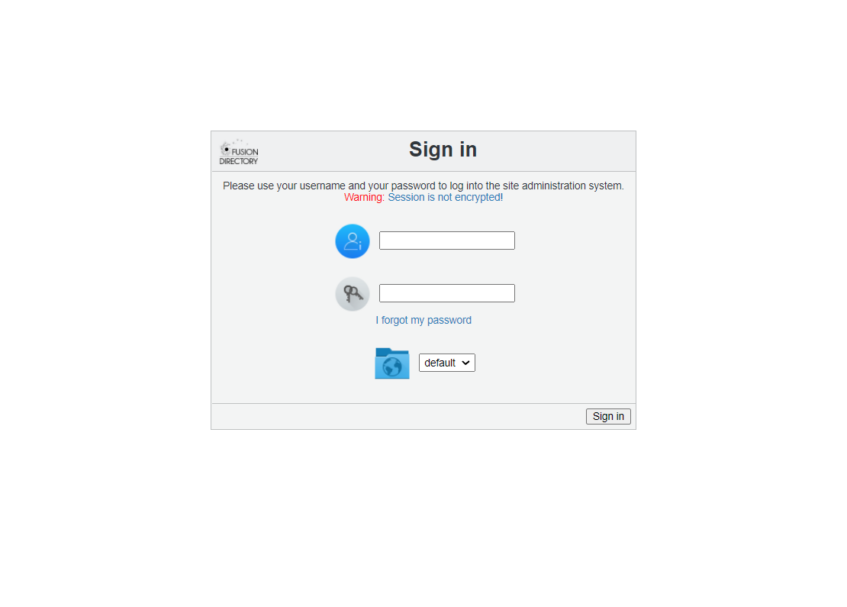
Login : fd-admin
password : configured password
でLogin